

1. The ten new jobs, by job group
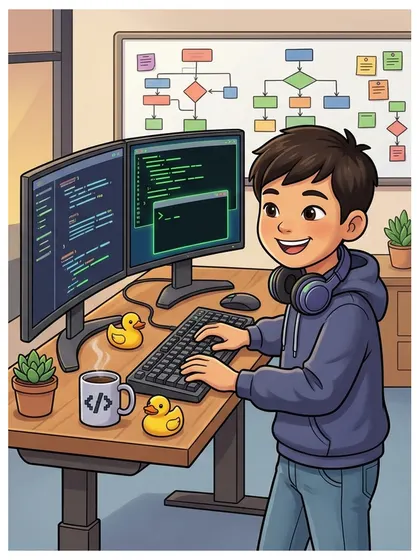
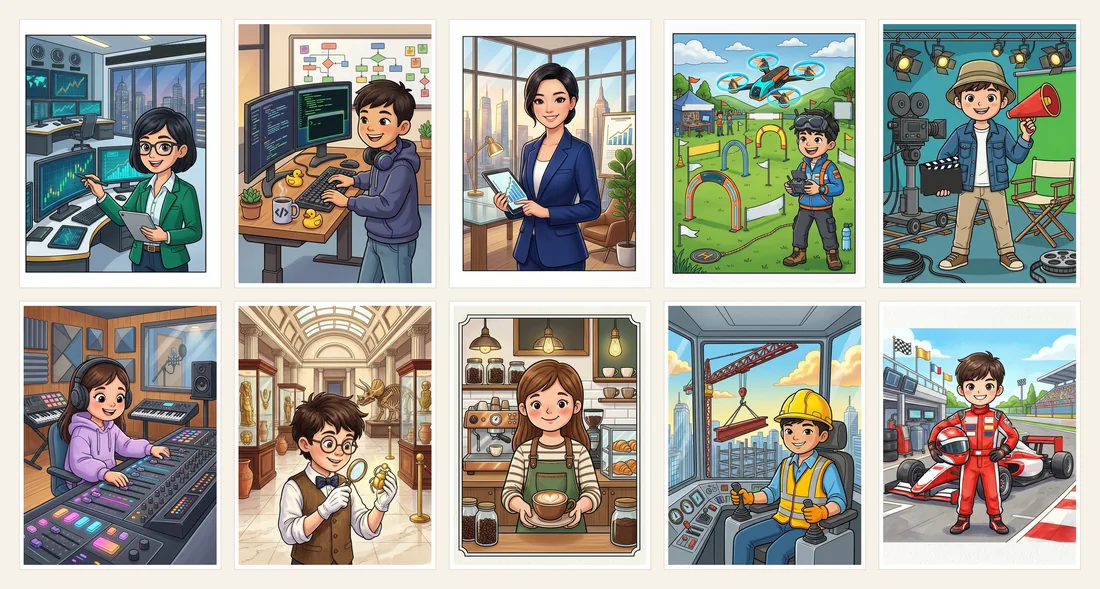
Every page shows the person in the place where they work. The stock trader, software engineer, startup CEO and drone pilot also sit together in the new Tech and Business group.
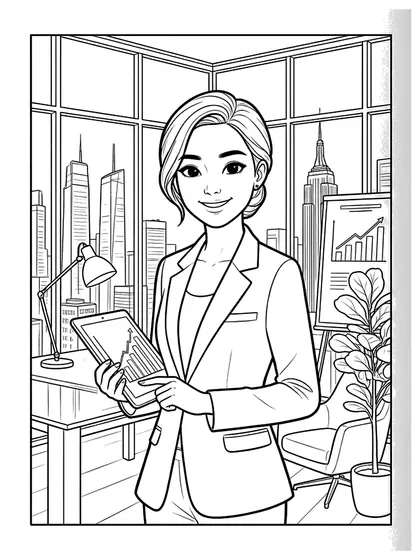
- Tech and Business: Hajin the stock trader with a tablet in front of chart monitors, Junwoo the software engineer coding at two monitors, Seoyeon the startup CEO in a skyline office and Siwoo the drone pilot at a drone racing course
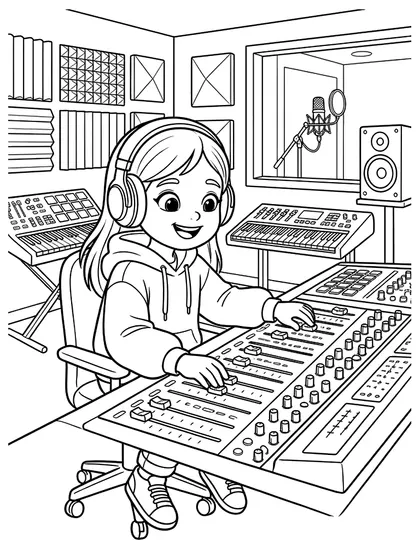
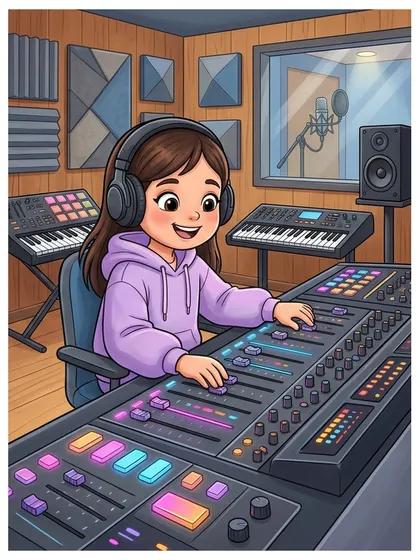
- Arts and Stage: Jiho the film director with a megaphone and a clapperboard, and Yuna the music producer at a mixing console
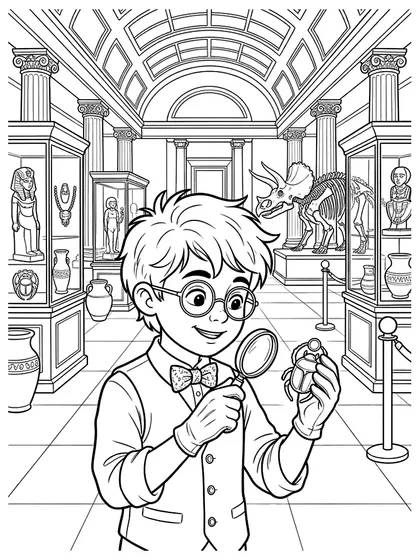
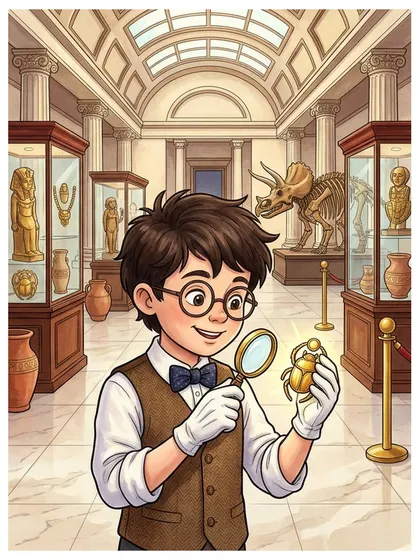
- Science and Exploration: Eunu the museum curator studying an artifact through a magnifying glass
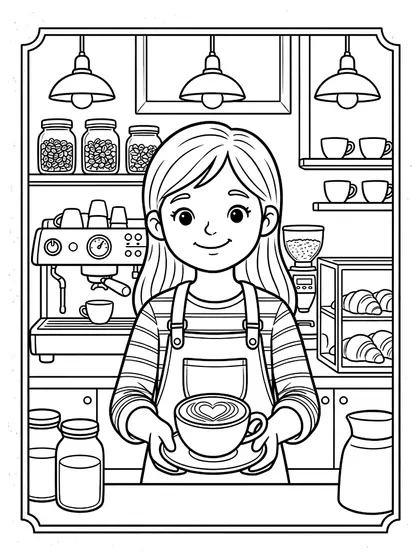
- Food and Cafe: Roa the barista holding out a latte with a heart in the foam
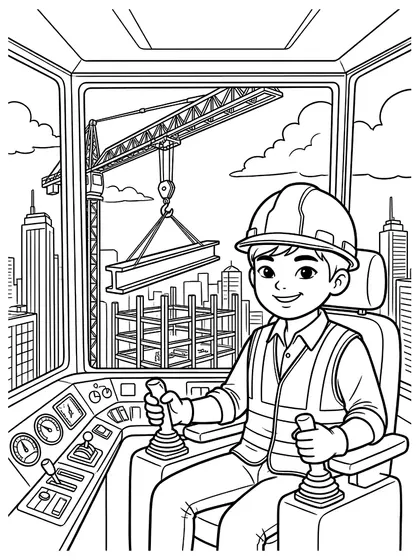
- Making and Nature: Kangmin the tower crane operator in his cab high above a building site
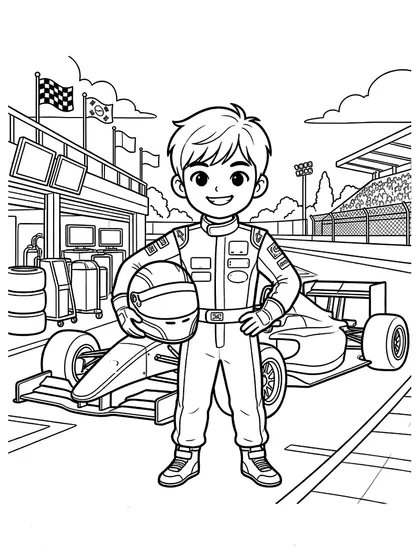
- Hobbies and Sports: Minseok the race car driver holding his helmet in the pit lane
2. Choosing by number of spaces
These are estimates from counting the white spaces in the line art. More spaces take more time.
- 96 spaces (ages 5–7, about 20–30 minutes): software engineer 96
- 125 to 146 spaces (ages 5–8, about 20–35 minutes): drone pilot 125, music producer 127, tower crane operator 132, race car driver 138, stock trader 146
- 162 to 201 spaces (ages 6–9, about 30–45 minutes): barista 162, startup CEO 166, film director 187, museum curator 201
- For ages 4 to 5, the job pages numbered 1 to 32, which show the character alone without a background, are easier.
3. Using them in a careers lesson
- Guess the workplace: cover the person and show only the background, then guess the job. Look for clues such as monitors, a magnifying glass, an espresso machine or a crane cab.
- New jobs: pick jobs that were rare when parents were young, such as software engineer, drone pilot or music producer, and imagine together what jobs might exist in the future.
- Tool cards: next to a colored page, draw three tools the job uses and write one sentence: "This person uses ___ to ___."
- My future job: color the job you like best and tell the class in a few sentences why you would like to do it.
4. Coloring tips
- Color the person and the uniform first and the background later, so the main character stands out in a busy workplace.
- Color monitors and screens dark and leave only chart lines and lights bright, so the screens look switched on.
- Lettering has been removed from the art. Children can write their own words on signs, screens and the megaphone.
- Each page lists a coloring order, questions to talk about and a follow-up activity.
5. Printing
Use the download button on each page to get a PNG file and print it on A4 or Letter. The picture ratio differs slightly from the paper, so turn on "fit to page" in the print window to avoid cropping. To print several at once, members can use the PDF collect feature; to color without printing, choose "Color online".
Pages used in this article







FAQ
Are the new pages free?
Yes. Print as many as you need at home and in schools, nurseries and classes. Selling or redistributing the files themselves is not allowed.
Where can I see all the job pages?
Dream Jobs Character Coloring Pages now has 53 pages, including these ten. You can also browse them by job group, such as Care and Safety, Science and Exploration, Arts and Stage, and Tech and Business.
Is there any lettering in the pictures?
No. Lettering such as the words on the racing suit, ACTION! on the megaphone and the text on the leaderboard and ticker has been removed.
Can preschoolers color these?
With 96 to 201 spaces, children from about age 5 can color them, but the backgrounds take time. To start, choose the pages with fewer spaces, such as the software engineer, drone pilot or music producer.